




How do I install the PWA for Android?
01
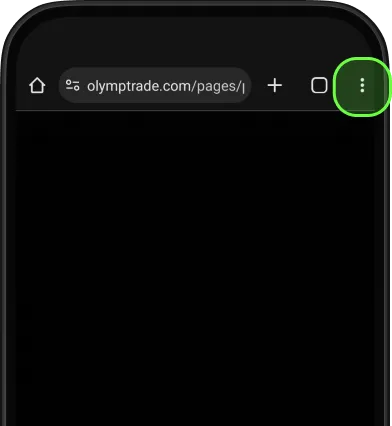
Tap three dots to open menu
02
Choose
Add to Home Screen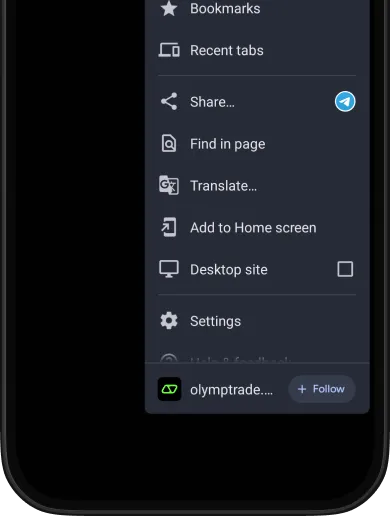
03
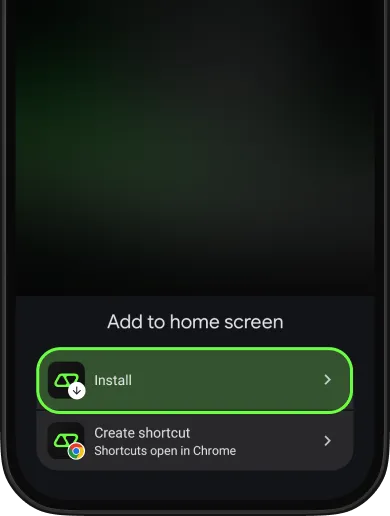
Confirm by tapping Install
04
You'll see
the success notification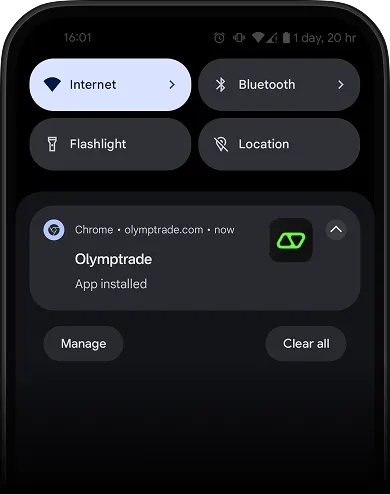
05
Enjoy trading
with the PWA app
right on your Home Screen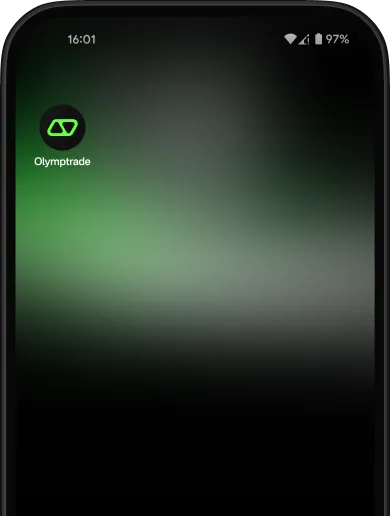
FAQ
If you couldn't find an answer to your question, our 24/7 support team will be happy to help you.
If you couldn't find an answer to your question, our 24/7 support team will be happy to help you.
If you couldn't find an answer to your question, our 24/7 support team will be happy to help you.


